Products · Viking · Release notes

Viking

Release notes.

Viking is in continuous development and features and upgrades are added weekly. An overview of general improvements can be found below. Please feel free to get in touch for any improvements you find necessary. For announcements and imagery, see News.

Version 2.1.35

27 February 2026

  • Statusviewer Now Default in Sidebar

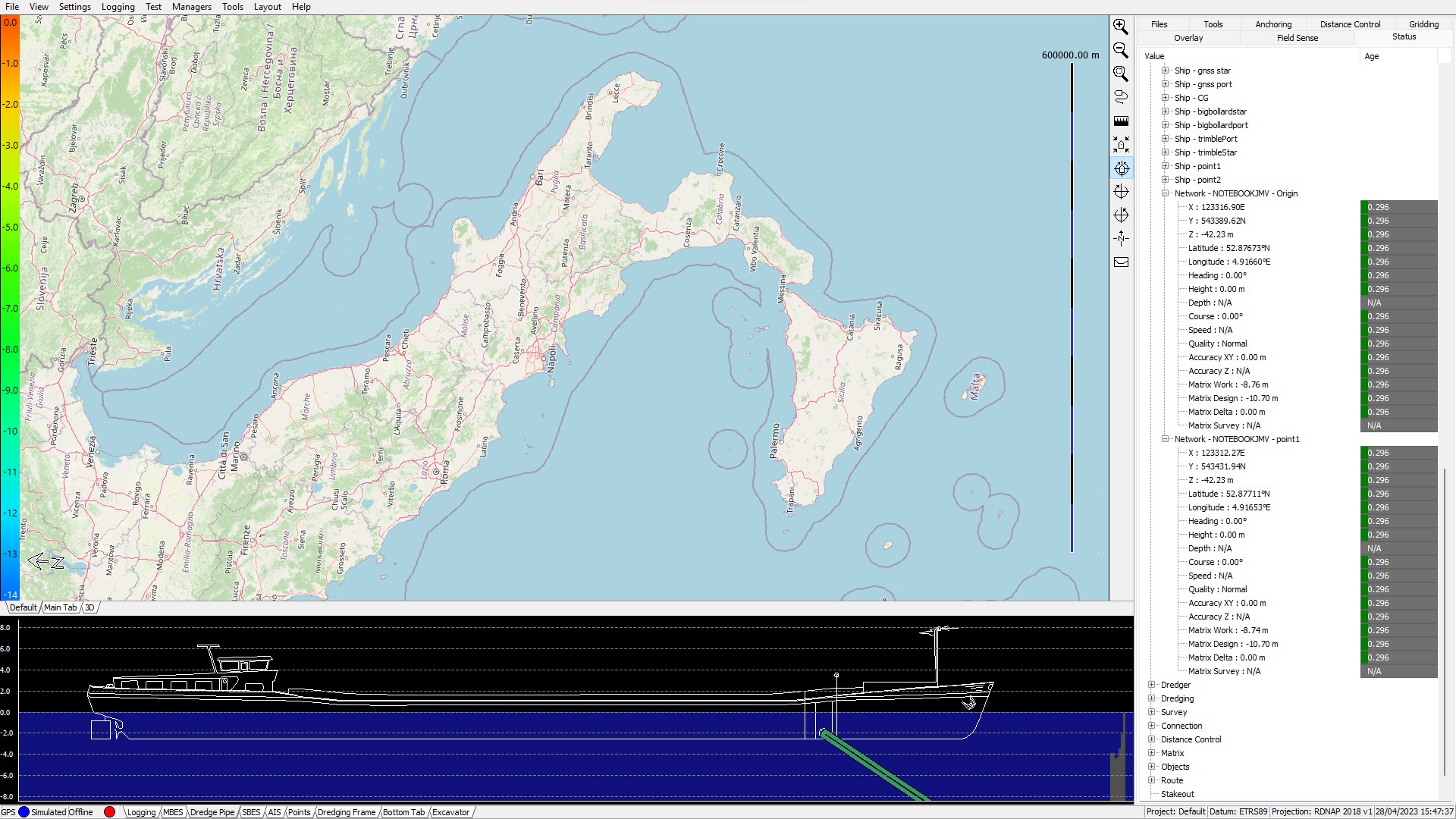
    The status tree including timing information is now a default tab in the right hand sidebar. The status viewer is an excellent tool to diagnose the systems if anomalies might occur. It gives live data and time out information for each and every device and fix point in Viking, including all positioning information of each vector in both latitude & longitude, and in Northings & Eastings. Also every I/O stream can be monitored for transmitted data and data throughput.

  • ITRF2020 Chart Datum

    Support for ITRF2020 has been added to the Coordinate System Manager.

  • Upgraded Prolec Machine Control Sensor Interfacing

    Support for Prolec sensors has been practically made plug & play in Viking including error handling and fault tracing.

  • Support for Keller CANOpen Pressure Sensors

    Viking has now direct support for Keller pressure sensors enabling more options for dredging pressure, dredging vacuum, and load & draft sensors directly over a CAN-bus.

  • Stakeout Module Upgrades

    The Stakeout Module in Viking, which already was a great feature when Viking is used as a land survey tool, now has more configuration options and more status information in the default screen.

  • Further Optimisations

    As always many improvements and optimisations have been made to Viking.

Version 2.1.33

9 October 2025

  • Autobarge Upgrades

    The autonomous dredging module in Viking called Autobarge was upgraded with more Modbus I/O options to interact with the PLC controlling the dredger and providing live feedback.

  • Multiple Positioning Configurations

    In addition to the main Ship Control settings and the Backup option for how positioning in Viking is done, there are now more options possible which enables for more advanced configurations. For example one could now have a dredger mainly work in RTK mode where the height of the dredger comes from the RTK, but in case of loss of RTCM signal Viking can continue working with for example a Tide sensor and use that without interfering with operations.

  • Added Cerulean Surveyor240-16 support

    Interfaced a new driver for the Cerulean Surveyor240-16 Multibeam echo sounder directly in Viking

  • Added SingalQuest sensor support

    Viking now interfaces directly with SignalQuest MEMS inclination sensors with CANOpen support.

  • Added Temperature Device Driver

    For hydrographic survey new devices have been added for to real time water temperature information or to set a manual value.

  • Numerous optimisations and bug fixes

    Again a great round of improvements have been made to Viking sporting faster startup and faster data management.

Version 2.1.31

6 June 2025

Viking 2.1.31
  • New Wire Crane Bucket Position Detection System - DTL

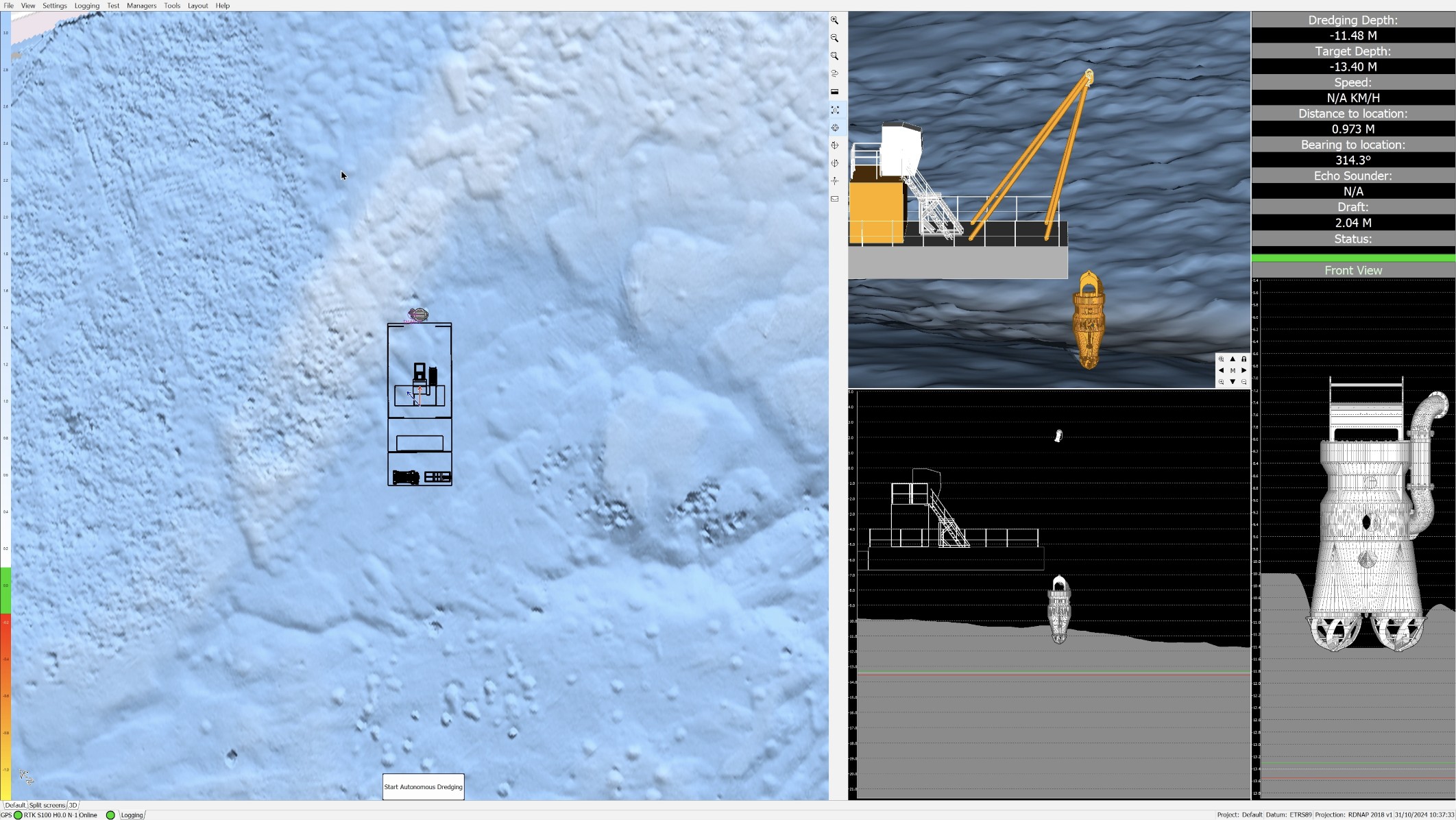
    Our new DTL system (Dynamic Tool Locator) offers the ability to determine the calculated location of a wire crane or grab dredge tool. It is offered as a software module in our Viking software combined with a new sensor which can be coupled to a GeoDredge system

  • New TDS – Hopper Load & Displacement Feature In Viking

    Viking now has internal support for TDS (Tonnes of Dry Solids) where load and displacement tables can be entered, and with draft and hopper level sensors a live load and dry solids can be calculated. In addition dredging status can be automatically determined based on sensor data and all data can be relayed to a third party system.

  • New Interactive Layout Elements

    Two new options in the layout manager enable support for selectable boxes and direct entering of data into the user interface. Selected and entered values can be used for live calculations or for logging and data outputs.

  • Support For Exail GAPS – USBL System

    Direct support for the GAPS USBL underwater positioning system from Exail

  • Support For Sygo & Cumarine Vessel Draft System

    Output from a Sygo or Cumarine draft measuring system is now directly supported in Viking

  • Support For Cerulean Surveyor240 Multibeam Sonar

    The new multibeam from Cerulean is now directly supported in Viking including their built in motion sensor

  • Improved Graphical Crane & Excavator Calibration Settings

    The excavator and grab dredge calibration setting screens have been simplified with new graphics

  • Logging Functionality Greatly Improved With Many Upgrades

    The logging options for live custom data output & file logging has been greatly improved with many new formatting options

  • Many New Internal Upgrades & Fixes

    As always in the last few months many fixes and minor upgrades. TCP & UDP upgrades, matrix DTM handling and rendering improvements, Traces upgrades, and vessel shape rendering improvements

Version 2.1.27

18 February 2025

Viking 2.1.27
  • High Speed Update Rates Up To 50 Hz

    The default is still set to 10Hz, but this can now be customised to a 50Hz update rate for positioning sensor interaction.

  • Faster Startup & Stability Fixes

    With several internal improvements Viking will now start up much faster and has a solid look.

  • Imagenex Yellowfin Side Scan Sonar Driver

    Sidescan sonar support upgraded with the Yellowfin from Imagenex

  • Automated Volume Calculations

    Viking will automatically calculate the volume every minute which can then be logged, presented on a graph, and also uploaded to our Sentinel Cloud for remote monitoring.

  • Rebuilt CANOPEN Interfacing

    CAN Open interfacing fully overhauled, more status information and also now possible to reprogram CAN sensor directly from Viking.

  • Sound Velocity Equipment Support

    For upgraded multibeam support Viking will now also interface SV Sensors for multibeam beam steering and improved single beam surveys.

  • NTP Client & Server Support

    To enhance multibeam operations Viking can function as both an NTP (Network Time Protocol) server as a NTP client.

  • Live Camera Feed Integration

    A great addition for Machine Control and for remotely controlled surveys vessels. Any IP camera can now be shown live in Viking in a customisable view.

  • Major Internal Upgrades

    Last months have mainly been used for a lot of reworks and streamlining of the internals of Viking. Open the door for many upcoming new features.

Version 2.1.18

15 February 2024

Viking 2.1.18
  • Upgraded Options For Polygon Data Management

    Polygons can be both imported as exported from DXF and or CSV file sources.

  • Point Module Upgrades

    Point module has new options for exporting data, among which is direct export to DXF.

  • Excavator Machine Control – Tool Upgrades

    New features for rotating of excavator tools using sensors or manual control. More offset options enabled for complex machinery.

  • Viking Cloud – Sentinel Upgrades

    Much more logging options and options for select which positions are sent to Sentinel.

  • Timing And PPS Functions Renewed

    More control over precise timing and time stamping in Viking when using PPS (Pulse Per Second) inputs.

  • Matrix DTM Upgrades

    New settings available to control in which manner dredging machines update the DTM.

  • Bug Fixes

    Several minor bug fixes.

Version 2.1.15

8 November 2023

Viking 2.1.15
  • Embedded Sentinel Options - Cloud

    First steps of integrating our new cloud platform Sentinel directly into Viking. Enabling a Viking system to send live position and any status value needed to our online cloud platform.

  • Excavator Viewing Options Upgraded

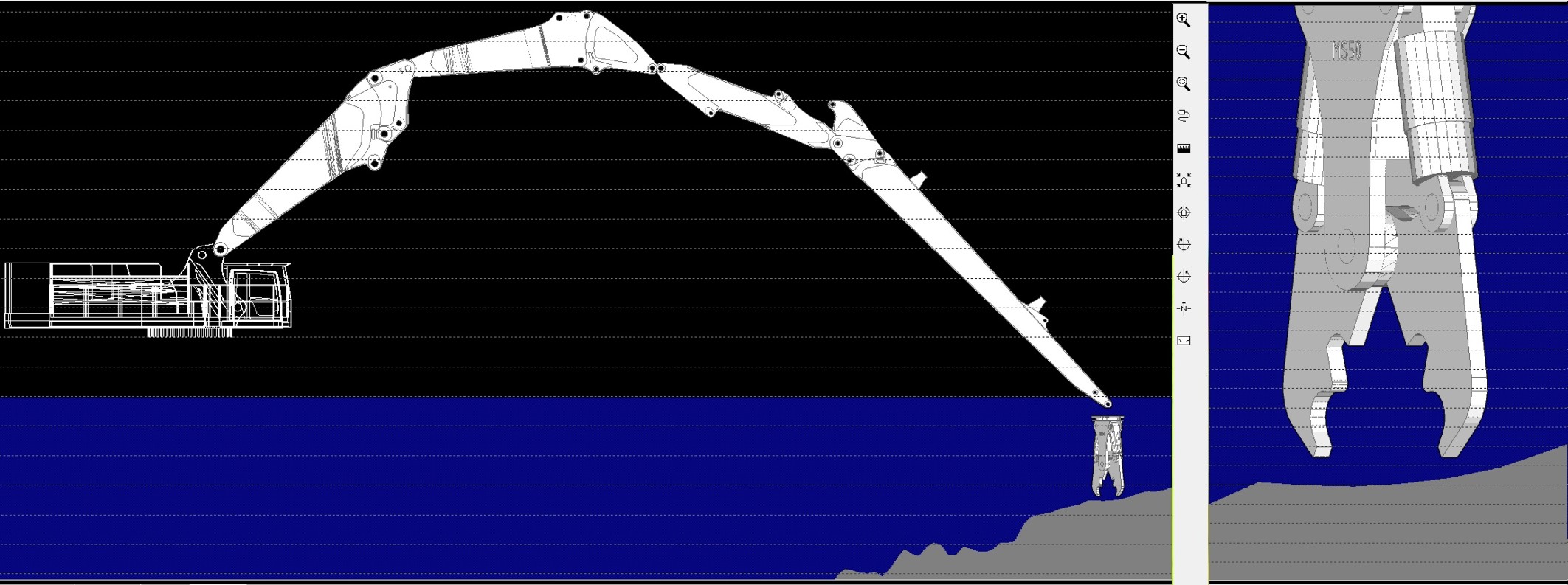
    New and much faster rendering of excavator views, also new options for specifically selecting where the profile is drawn from.

  • Dredging Pipe Improved Graphics

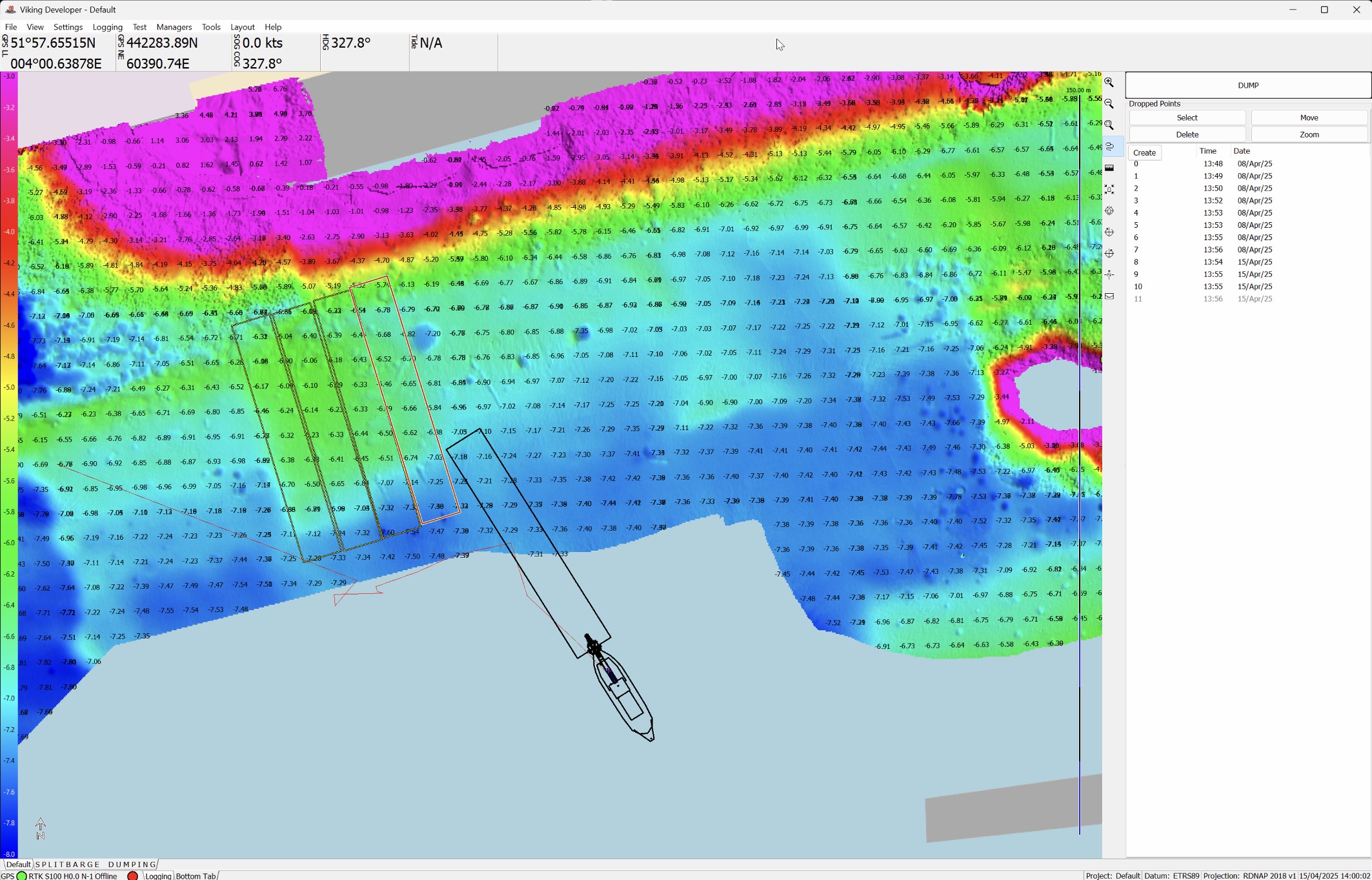
    Dredging vessels, dredging parts and dredging machines are now drawn in a better and faster way on the screen, in both top view as side view. Also added more options for updating the matrix DTM while dredging with a suction tube.

  • Windows Shutdown Option

    Where Viking is used for machine control there is now an option for shutting down the PC or GeoDredge itself after exiting Viking.

  • Enhanced File Import Handling

    When importing data, an intelligent viewing option is available where current views are kept, or where the view jumps to the new data that is loaded.

  • Dredging Excavator Options Greatly Enhanced

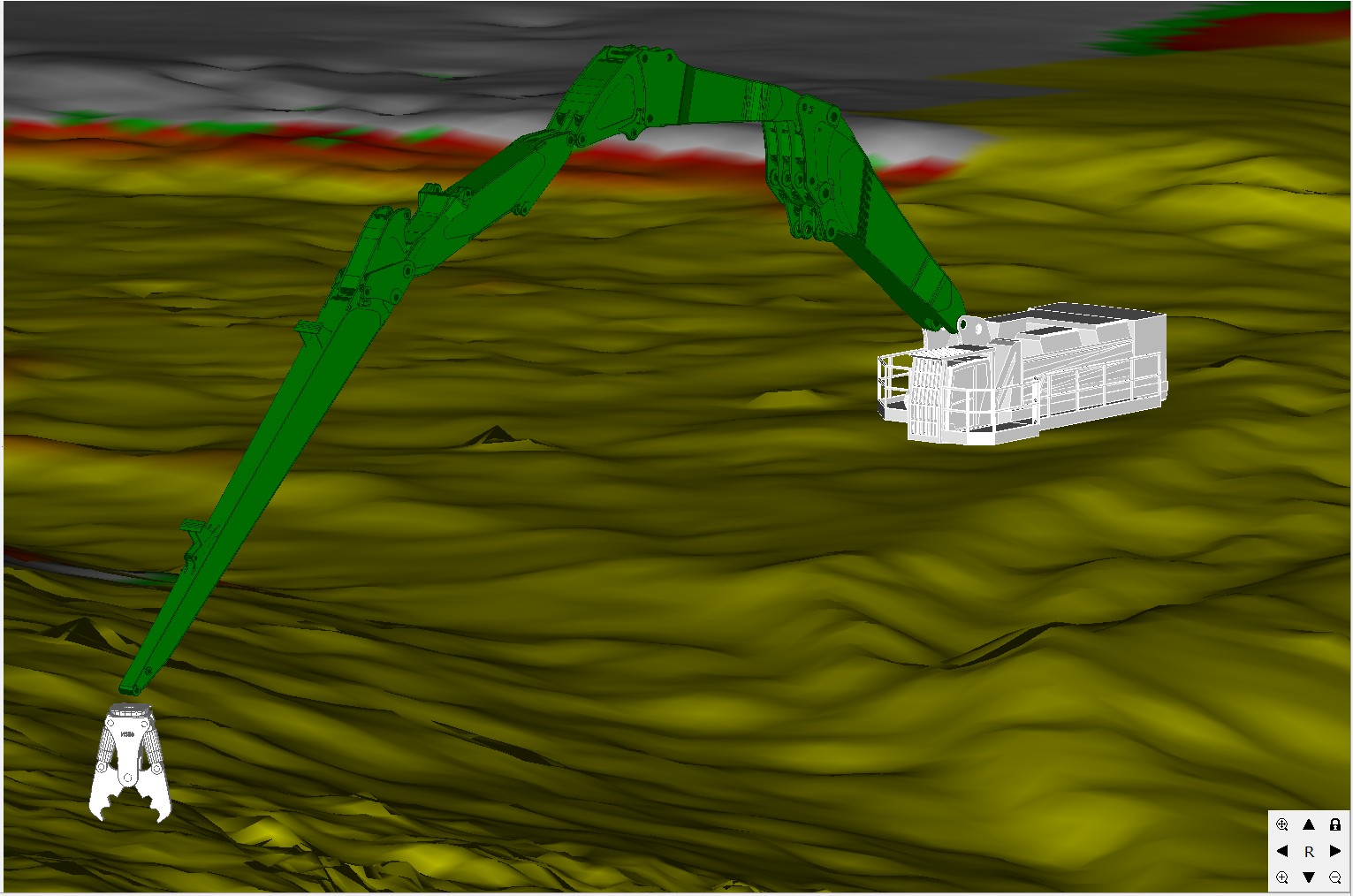
    An excavator can now have up to six moving sections. Also added support for two hanging sections above the bucket, both fitted with a pitch and roll sensor.

  • OEM Versions Support

    Viking is now also supplied and available for 3rd party vendors with a custom OEM version with a specific function set.

  • Minor Fixes

    Extra checks when saving files. Lots of 3D rendering improvements. Singlebeam tweaking options. Support for Vegapulse level sensors. Upgrades to Obstacle Module.

Version 2.1.7

2 May 2023

Viking 2.1.7
  • Reporting & Printing Updates

    The printing function can now directly print charts, nav screens, and 3D positioning to high resolution PNG and PDF files. DXF live data export and printing also has upgraded features.

  • OpenStreetMap Rotation & Upgrades

    All nav screens can also show rotated views with Openstreetmap data, as was already with all other chart layers. Faster server fetching of online data with added redundancy.

  • Viking Networking Upgrades

    All objects, machines, and vessels operating in an online Viking Network will now also have their offsets available as live targets, enabling enhanced data sharing and logging features.

  • Point Modules Upgrades

    More automatic data values added to the Point Module logging feature.

  • Custom ASCII Character Communications

    Logging and live data communications can now also add custom ASCII data to any data string by using an escape character followed by an ASCII code.

  • Minor Fixes

    Upgraded DTM rendering. Multithreaded updates for all targets and status information. Latest compiler technologies incorporated.

Version 2.1.5

9 February 2023

Viking 2.1.5
  • Multibeam Auto Ranging

    Automatic ranging according to live depth when working with multibeam sonar.

  • Improved Dredging View Interaction

    2D views can now be directly panned and zoomed using the mouse cursor or touch.

  • Upgraded 3D Rendering And Interaction

    Live 3D views now have direct mouse cursors and/or touch screen interaction. Many further improvements to 3D views and the 3D object editor.

  • Upgraded Coordinate Systems And Manager

    Post grid shift updates for Belgian coordinate system. Custom grid shifts selectable. Upgraded grid importer functions.

  • Point Module Interface Refinements

    New options to select full view or tabbed view, and options for vertical or horizontal views. Upgraded logging functions including more detailed coordinate system information.

  • New Run Line Generator

    Create custom runlines with the internal editor and manager.

  • Object Module Targets

    Custom complex objects now create their own targets which can be used for further logging, displaying or processing of live positioning data.

  • Bug Fixes

    Navionics rendering upgrades, improved speed of rotated views and text renderings.

Version 2.1.1

27 October 2022

Viking 2.1.1
  • DTM Shading

    A shadow effect is used for rendering the 3D terrain models greatly increasing visibility

  • Improved Speed And Efficiency With Direct 3D Rendering

    2D views make use of the computers GPU improving speed overall

  • Upgraded Process Controls

    Additional cyclic checks where analog and digital outputs are used for machine control

  • MODBUS Output

    Modbus I/O upgraded from inputs only to also being able to write to Modbus registers

  • Dredging Frame Upgrades

    Dredging Frames used for for example plough dredgers and A-Frame dredgers now have upgraded logging and setting options

  • Status Values Upgrades

    Many new status fields added, available for logging and real time display

  • DXF Export Upgraded

    In addition to the chart data on screen, all points and markers are also incorporated in CAD exports

  • Bug Fixes

    Wire Crane calibration, Network DTM sharing upgrade fix, Dredger single beam interpolation fix, 2D Object Module Heading fixes

Version 2.0.200

30 June 2022

  • Volvo Machine Control Sensor Support

    Viking can now directly interface Volvo Dig Assist sensors.

  • Multibeam Position Tracking

    Tracking of the outer beams in a top view of the multibeam trace in the navigation screen.

  • WASSP Multibeam Timing Updated

    Wassp interfacing is split into Viking's virtual ports for more accurate timing.

  • AutoBarge Upgrades

    Upgrades to the AutoBarge software module where Viking controls and positions an automated dredging barge.

  • OpenStreetMap Caching Server

    All Openstreetmap data is now routed through our caching servers for faster response and to unload Openstreetmaps own server network.

  • Value Editor Upgrades

    Even more options for advanced mathematical operations in Viking

  • Bug Fixes

    Various fixes and minor updates.

  • CAN Diagnostics Upgrades

    Upgraded options for diagnostics of CAN busses, and upgraded options for direct CAN programming from Viking.

Version 2.0.193

31 March 2022

  • Applanix PosMV Equipment Support

    Direct support for PosMV GNSS Positioning, GNSS heading, and Pitch & Roll.

  • Status Viewer Upgrades

    The internal Status Viewer is upgraded with timing info for every piece of equipment and all targets.

  • Upgrades To The Networking Module

    Some bug fixes to make the protocol more resilient in extremely crowded Viking Networks.

  • New Encoder Input

    Simplified equipment settings for rotary encoder inputs

  • XYZ Export Option For Polygons

    Now possible to export XYZ data from a polygon.

  • Bug Fixes

    Various minor fixes.

Version 2.0.191

18 February 2022

  • Advanced Math Options – Value Editor

    The internal Value Editor in Viking has a major update where advanced math operations are now possible to generate real time custom values for further operations.

  • AutoBarge Upgrades

    Further developments of the AutoBarge module for automated positioning and steering of an autonomous barge.

  • Support For New Line Of DIS Inclination Sensors

    New equipment interfacing for the DIS CANOpen sensors.

  • Upgraded 2D Rendering Views Based On New Engine

    Offering more options and faster graphics rendering.

  • Upgraded Winches Interfacing

    More scaling and offset options for dredging frames and plough dredgers.

Version 2.0.190

7 February 2022

  • AIS Own Data GPS & Heading

    Additional equipment is available where AIS 'Own Data' from an AIS transponder can be used directly for navigation, providing position and heading.

  • D3D9 Out And D3D11 In

    Major upgrades to the rendering of graphics in Viking.

  • Extra Circle Update Modes And New Shortcuts For Excavator And Grab Dredge

    New functionality for updating the DTM by an excavator or grab dredge. Additional shortcuts available where linking events and input to more functions of these dredging equipments are now possible.

  • Eurekalog Upgrades

    Upgrades to Vikings internal bug tracker. Please always let us know if you run into any issues!

  • Advanced Math Functions In The Value Editor

    It is now possible to apply more advanced math such as sin, cos and others in the internal Value Editor to generate real time new values based on your own applied mathematics.

  • New Equipment: Distance Winch From Encoder Device

    A new piece of equipment is available where the geometrics of a winch can be entered and based on a rotary encoder Viking can now directly calculate wire lengths based on this device.

  • Dual Wire Dredging Frame Upgrades

    Updates to the Dual Dredging Frame equipment where values can be entered in a more logical manner.

  • Custom Background Colours For The Nav Screen!

    After many years we finally did it, the background colour can new be customised for the navigation screen.

Certified · Affiliated